


This is how you can git commit in past date
Can you commit in past date? TLDR; Yes, you can. Let me show you how.
Types of commit date
There are two types of date in git commit. One is the author date and the other is the commit date.
Author date
The author date is the date when the commit was created. It is the date when the commit was created by the author. The author date is the one that is shown in the git log. It is also shown in the contributor graph in GitHub like below.
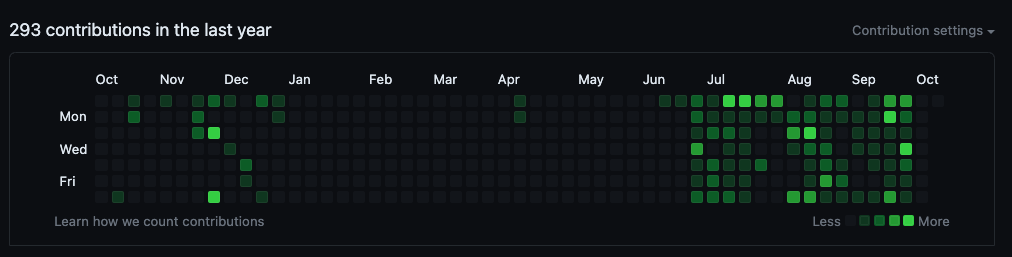
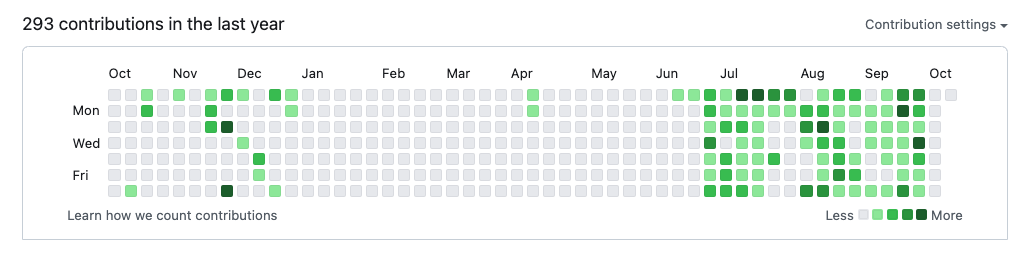
The author date can be changed by using --date option in git commit command.
git commit --date="2021-10-01 00:00:00"Commit date
The commit date is the date when the commit was committed. It is the date when the commit was committed by the committer. The commit date is the one that is shown in the GitHub commit page.

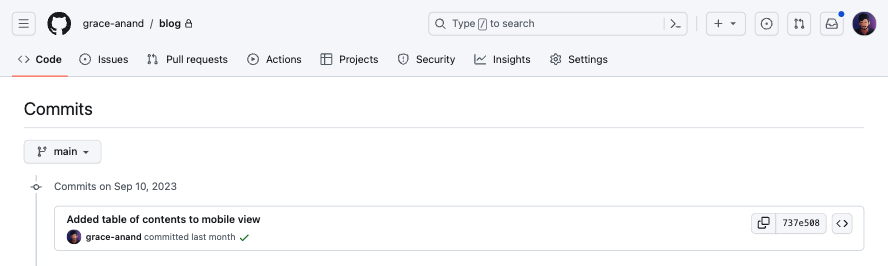
The commit date can be changed by using GIT_COMMITTER_DATE environment variable.
How to change both dates
The best way to change both dates is to use environment variable GIT_AUTHOR_DATE and GIT_COMMITTER_DATE together.
GIT_AUTHOR_DATE="2023-10-06T18:23:01 +0530" GIT_COMMITTER_DATE=$GIT_AUTHOR_DATE git commit -m "Commit message"